Radius Sign in

Tutorials

Learn Radius, one short video at a time.

16 short videos in 6 series, from setting up your family to tuning your alerts. Press play, then tap a chapter to jump to the part you need.

Videos play from YouTube, and only after you press play.

Series 1 · 3 videos

Getting Started

From a new account to a family on the map, in three short videos.

Plays from YouTube. Nothing loads from YouTube until you press play.

Part 1 · 5:42

Set Up Your Family

Create your Radius account and start a family of your own. You sign in with a code instead of a password, set up your profile and home, sign the agreement, allow the right permissions and choose a PIN.

Plays from YouTube. Nothing loads from YouTube until you press play.

Part 2 · 4:46

Invite Your Family

Bring the rest of your family in with a family code. See how each person joins on their own phone, how a teen signs up for herself, how to approve a request, and how to choose who sees whom.

Plays from YouTube. Nothing loads from YouTube until you press play.

Part 3 · 3:49

Places and Alerts

Save the places your family goes every day, like school and work, then set arrival and departure alerts so you hear when someone gets there or leaves.

Series 2 · 3 videos

The Map

Find your family, check in, and see what each place means.

Plays from YouTube. Nothing loads from YouTube until you press play.

Part 3 · 3:41

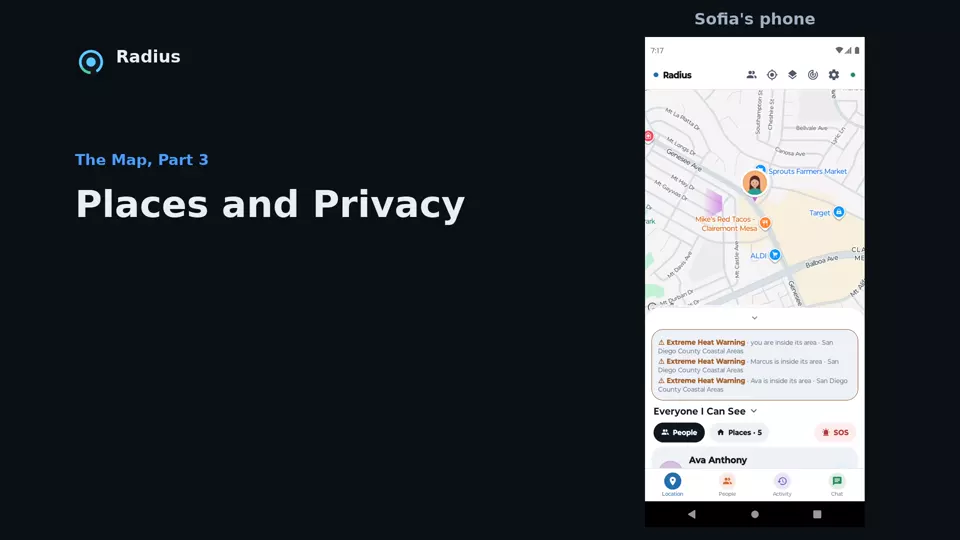
Places and Privacy

See every saved place in one list and what you can do with each one. Then use the privacy dot to hide people on your screen or pause your location.

Series 3 · 3 videos

People

Choose who sees what, plan a get-together, and add the people you trust.

Plays from YouTube. Nothing loads from YouTube until you press play.

Part 1 · 2:56

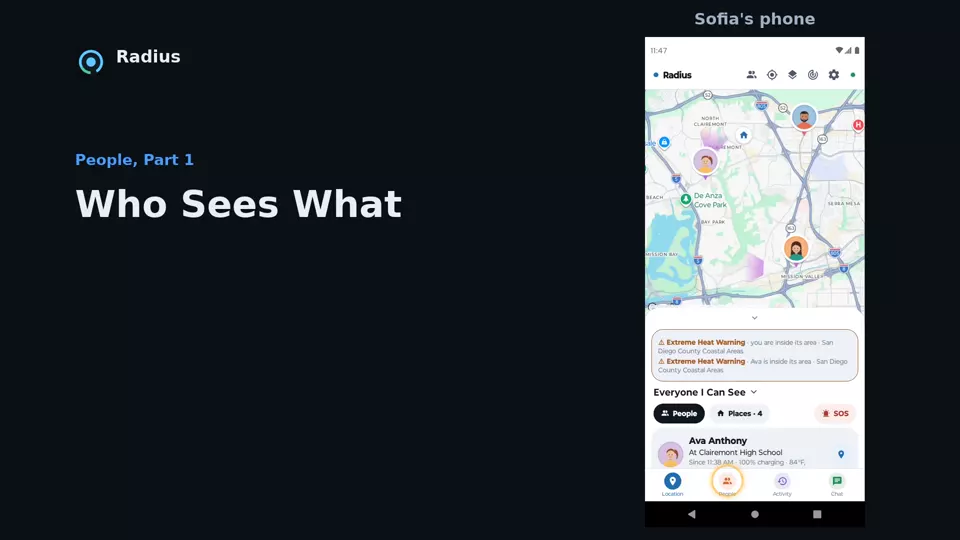
Who Sees What

Decide what each person sees of you from the People tab: your two sharing switches, who can see whom in your family, look-up alerts and a home by time for a teen.

Series 4 · 2 videos

Drives and Activity

Drives, walks and trips, plus the report cards and routes that come with them.

Plays from YouTube. Nothing loads from YouTube until you press play.

Part 1 · 3:08

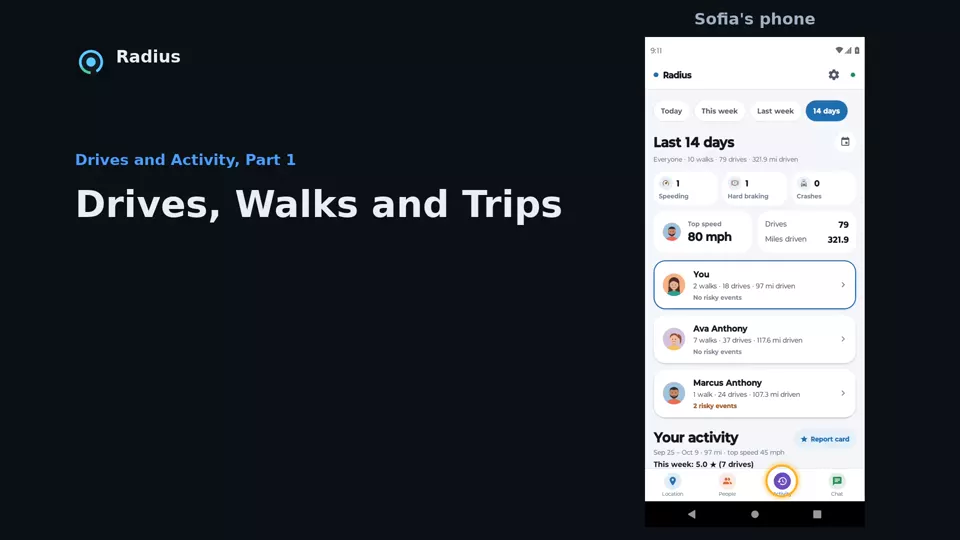
Drives, Walks and Trips

Read your family's last 14 days of drives, walks and trips: the family summary, each person's report, risky driving events, whole trips on one map and drive summaries.

Series 5 · 2 videos

Chat and Calls

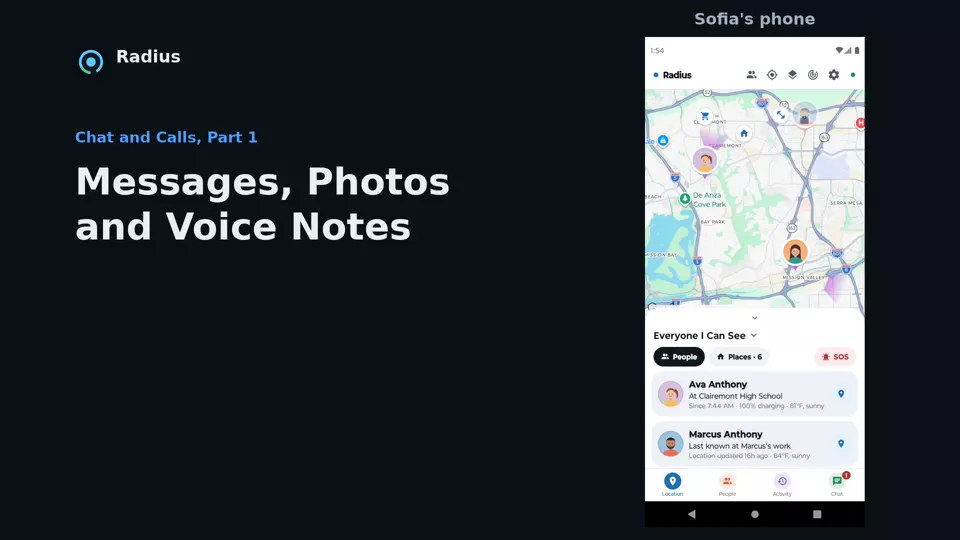
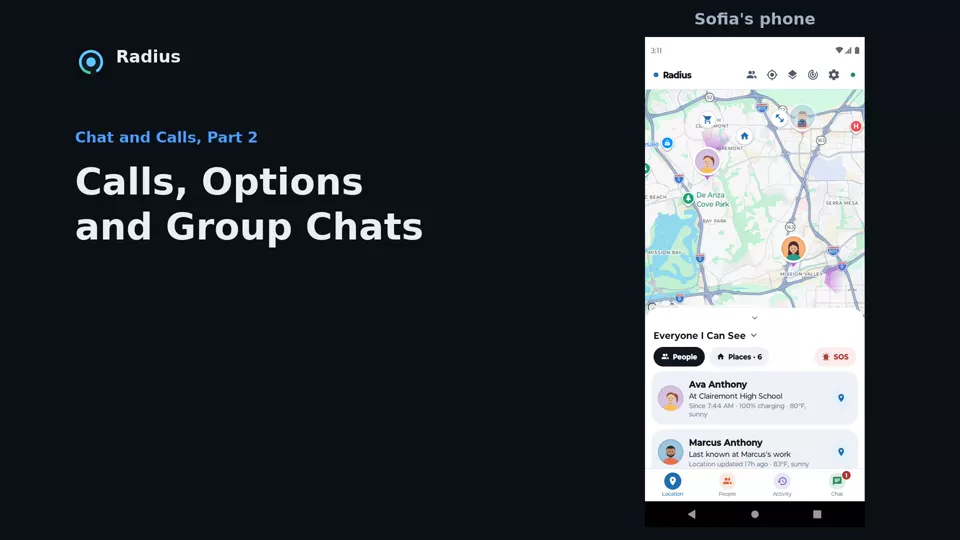
Message your family, send photos and voice notes, and make calls.

Series 6 · 3 videos

Settings

Set up your account, choose what you share, and tune your alerts.

Plays from YouTube. Nothing loads from YouTube until you press play.

Part 2 · 3:08

Sharing and Alerts

Set who can see your location, check your location permissions, pick a home by time and a navigation voice, and go through all eight alerts.

Ready when you are

Make the switch today!

Bring your whole family over from Life360 or any other app. Get every feature for $2.99 a month, with no ads and nothing to upgrade. Your first 30 days are free.